
Clubs
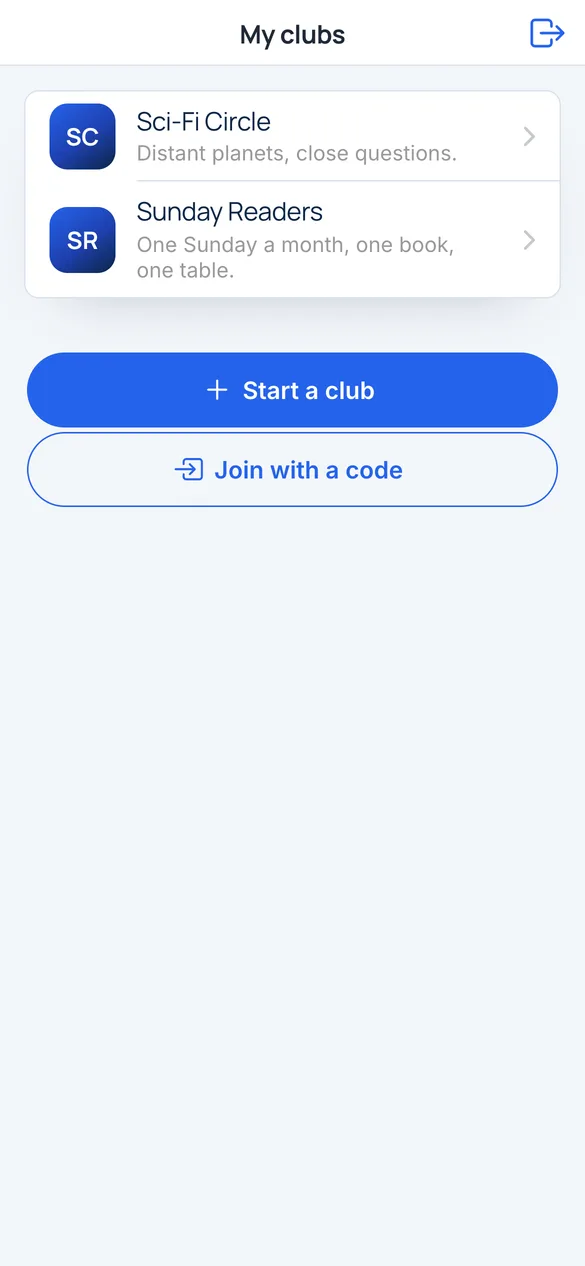
Start a club for your reading group and be part of as many clubs as you like.
Book club app for iPhone & Android
No more long group chats about which book is next and who can make it. Start a club, vote on books together and plan your next meeting in a few taps.
Features
Start a club for your reading group and be part of as many clubs as you like.
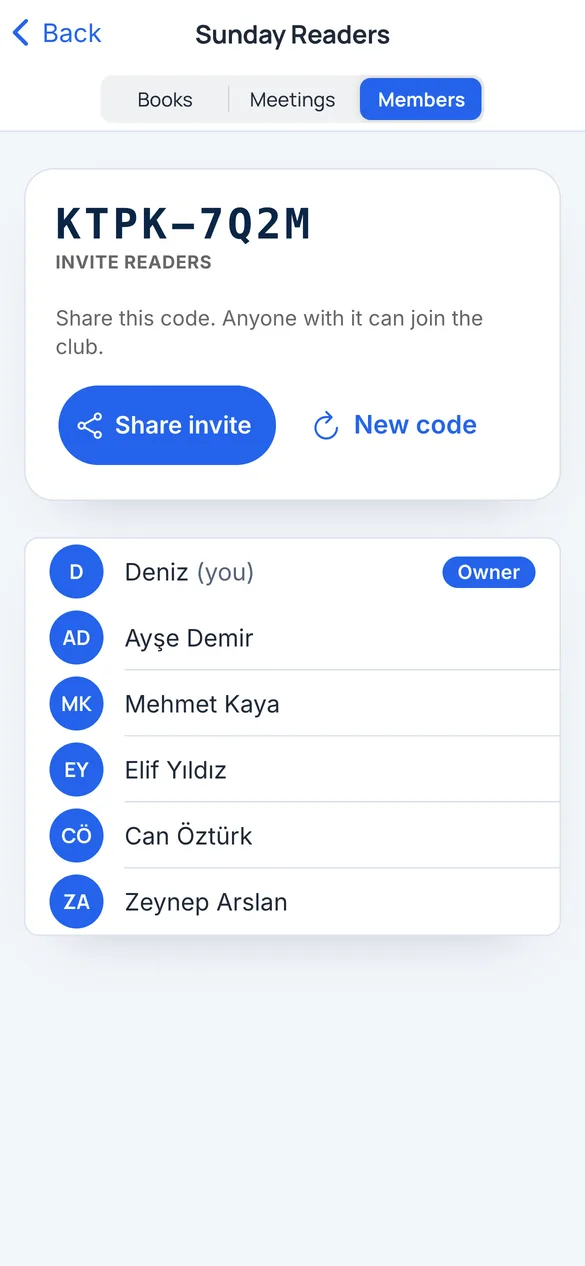
Every club has its own invite code. Share it and friends join in seconds; renew it whenever you want.
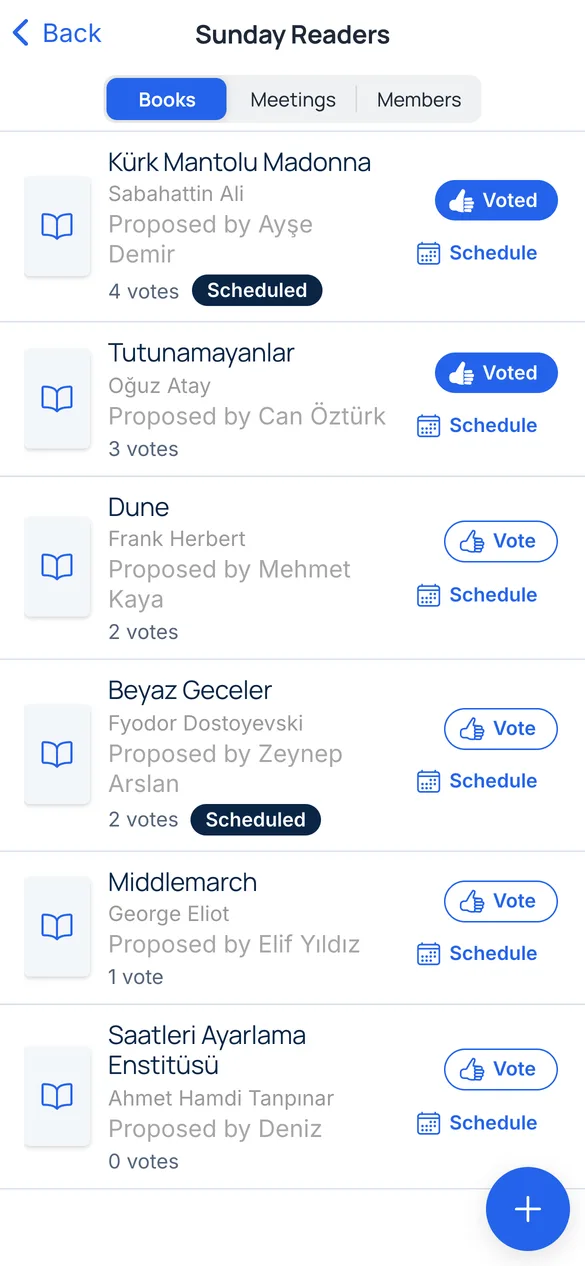
Propose books for the season: search for one or add it by hand. Everyone votes, and the club owner picks the season’s books from the favourites.
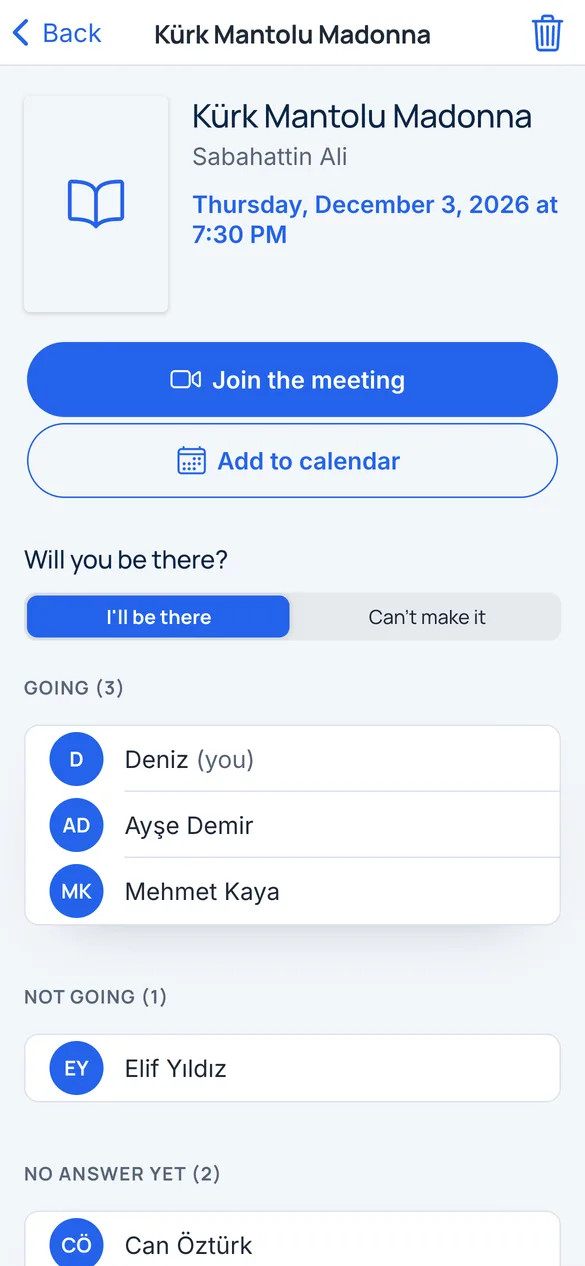
Plan each meeting with a date, a time and a place: a link to join online or an address on the map. Add it to your own calendar.
Everyone answers “I’ll be there” or “Can’t make it”, so you know who to expect.
Sign in with your email address or Google, and on iPhone also with Apple.
How it works
Give it a name and a short description. You are the owner of the club.
Share the invite code by message or email. Readers enter it in the app to join.
Vote on the next book, plan the meeting and see who is coming.
Choose together
Each season, anyone in the club can propose books. Members vote with one tap while the voting is open, and the club owner then picks the season’s books and their order.
Meet up
The book, the date and the place: a link to join online or an address with a map. Add it to your calendar and let the club know whether you will be there.
Reading Room follows the language of your phone, or you pick one in Settings. Light and dark mode included.
FAQ
Reading Room is in testing and will come to the App Store and Google Play soon.
On iPhone and on Android phones.
No. Reading Room is free: no ads, no purchases and no subscriptions.
Yes. You can start or join as many clubs as you like and switch between them from your club list.
Share the invite code from the Members tab. Your friend opens Clubs in the app, taps the join button at the top (“Join with a code”) and enters it. As the owner you can renew the code at any time.
OZT Digital, a small software studio in the Netherlands.
Reading Room is coming soon to iPhone and Android. Questions or ideas? We’d love to hear from you.
Email us